
AirDrop for your LLM: building cloudless peer-to-peer sync without Google Play Services
How we built local device-to-device sync for NativeLM using mDNS and TCP sockets, keeping your private AI data completely off the cloud—and why we explicitly avoided Google's Nearby Connections API.
The core promise of NativeLM is absolute privacy: no cloud, no accounts, and zero telemetry. When you chat with your confidential documents, the data never leaves your phone.
But a strict “data stays on the phone” policy introduces a massive risk: if you lose the phone, you lose the data.
To solve this, we shipped local, passphrase-encrypted backups in v0.7. You can export your entire knowledge base to an AES-256-GCM encrypted .nlmbak file. But users immediately asked the next logical question: “How do I sync my data from my phone to my tablet?”
Cloud-account sync is off the table. It requires accounts, metadata, and trusting our infrastructure, which dilutes the trust that is the foundation of NativeLM.
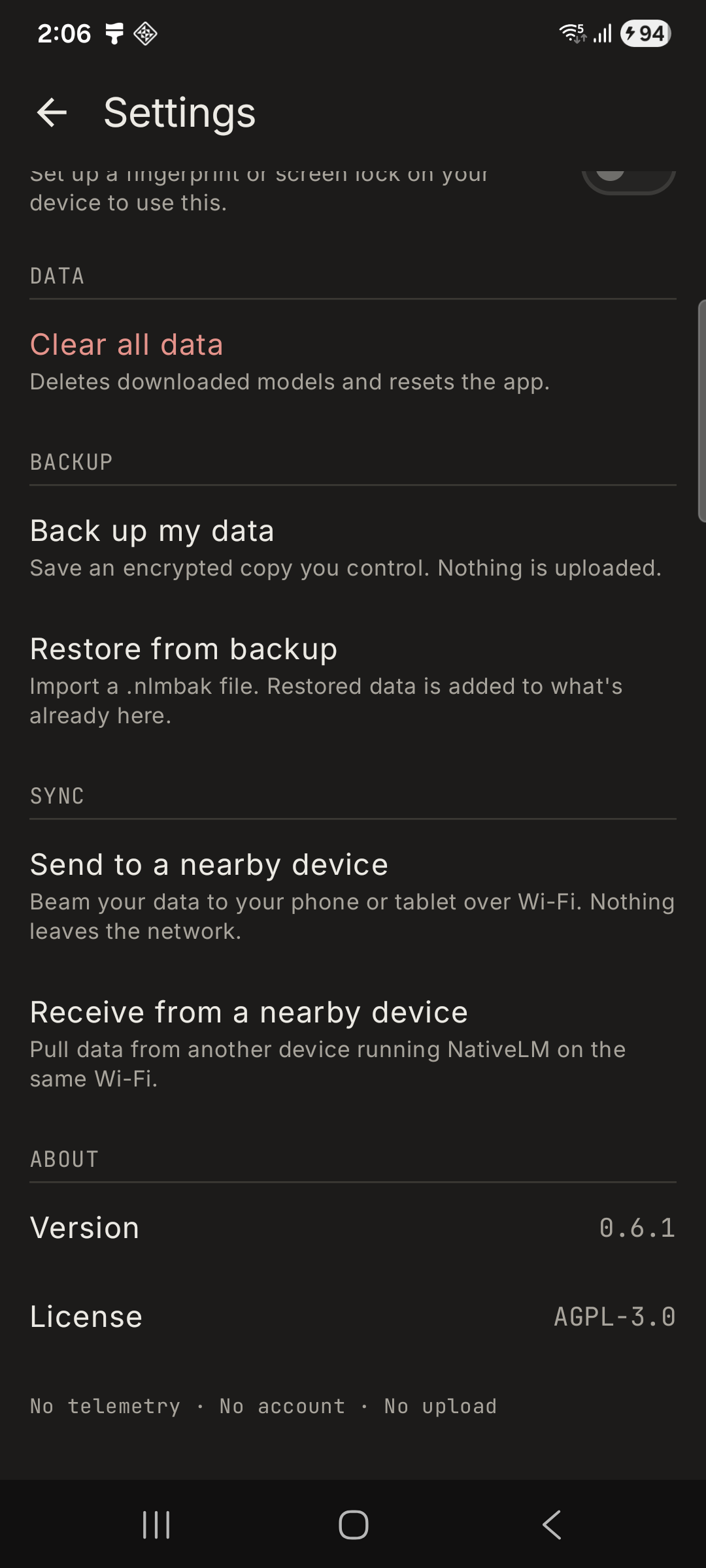
So for NativeLM v0.8, we built Local Peer-to-Peer Sync—essentially “AirDrop for your local LLM.” Here is how we engineered it, why we made some controversial technical choices, and the bugs we hit along the way.
The GMS-Free Transport Decision
When you want to transfer data directly between two Android devices on the same Wi-Fi network, the Google-recommended path is the Nearby Connections API.
We explicitly decided not to use it. Here’s why:
- The Telemetry Black Box: Nearby Connections is part of Google Play Services (GMS). Pulling GMS into the dependency graph introduces a black box of telemetry.
- De-Googled Devices: Many of our privacy-aware users run custom ROMs like GrapheneOS without Play Services. Relying on GMS breaks the app for the people who care about it most.
- Cross-Platform Future: Nearby Connections is an Android-specific protocol. We needed a protocol that iPhones natively speak.
Enter mDNS and plain TCP Sockets
Instead of a proprietary SDK, we went back to bare metal. We built the sync transport using NSD (Network Service Discovery), which is Android’s implementation of mDNS/Bonjour.
1. Discovery
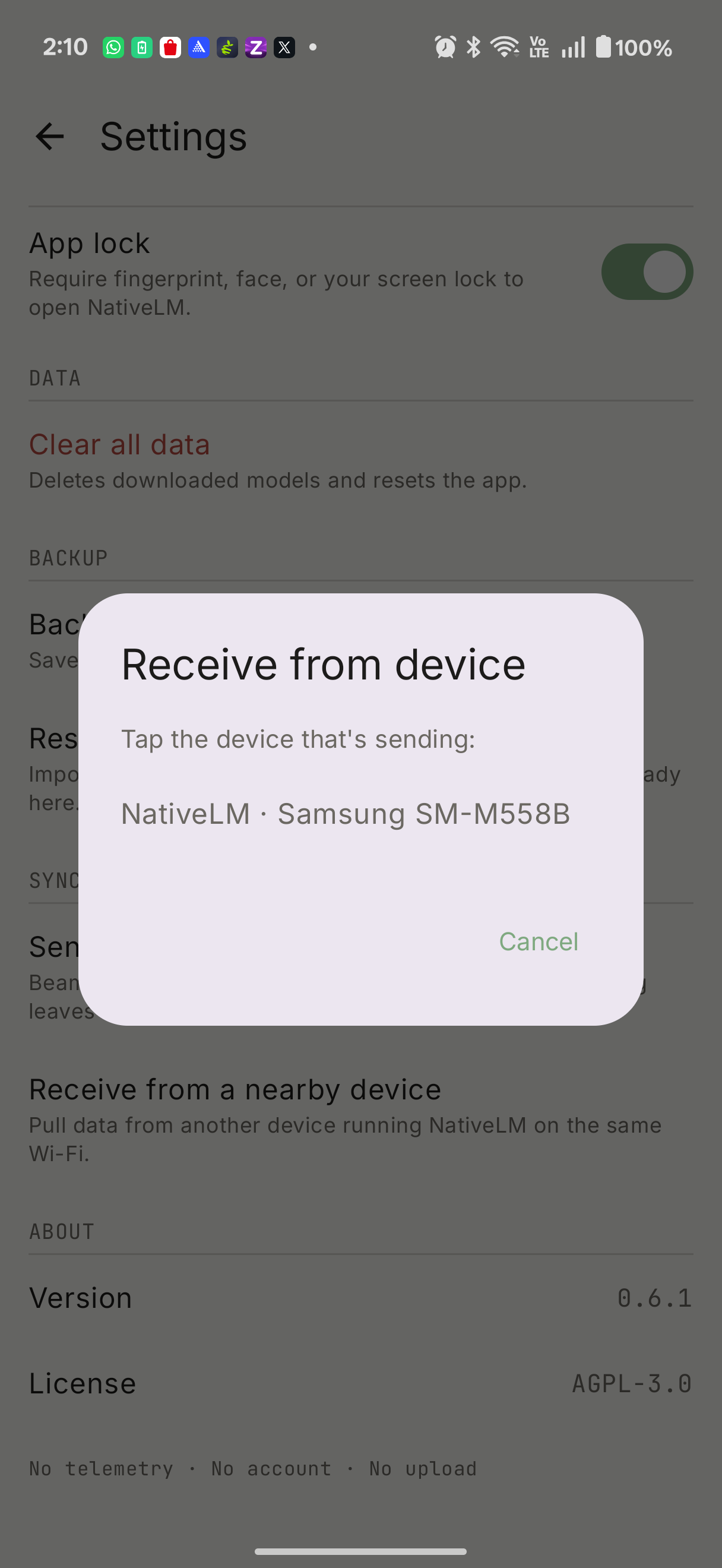
When you hit “Sync” on the receiving device, it registers a local network service (_nativelm-sync._tcp). The sending device scans for this service. This requires no location permissions—just access to the local network.
2. Transport & Confidentiality
Once discovered, the devices open a direct, plain TCP socket between them.
Wait—a plain TCP socket? Isn’t that insecure?
This is where the architecture shines. We don’t send plaintext JSON over the wire. Instead, the payload we stream over the TCP socket is the AES-256-GCM encrypted .nlmbak backup blob.
Because the payload is already entirely encrypted with a passphrase, the transport layer itself doesn’t need TLS. Even if an attacker intercepts the TCP stream, all they get is a mathematically unbreakable block of ciphertext.
3. The 6-Digit Code UX
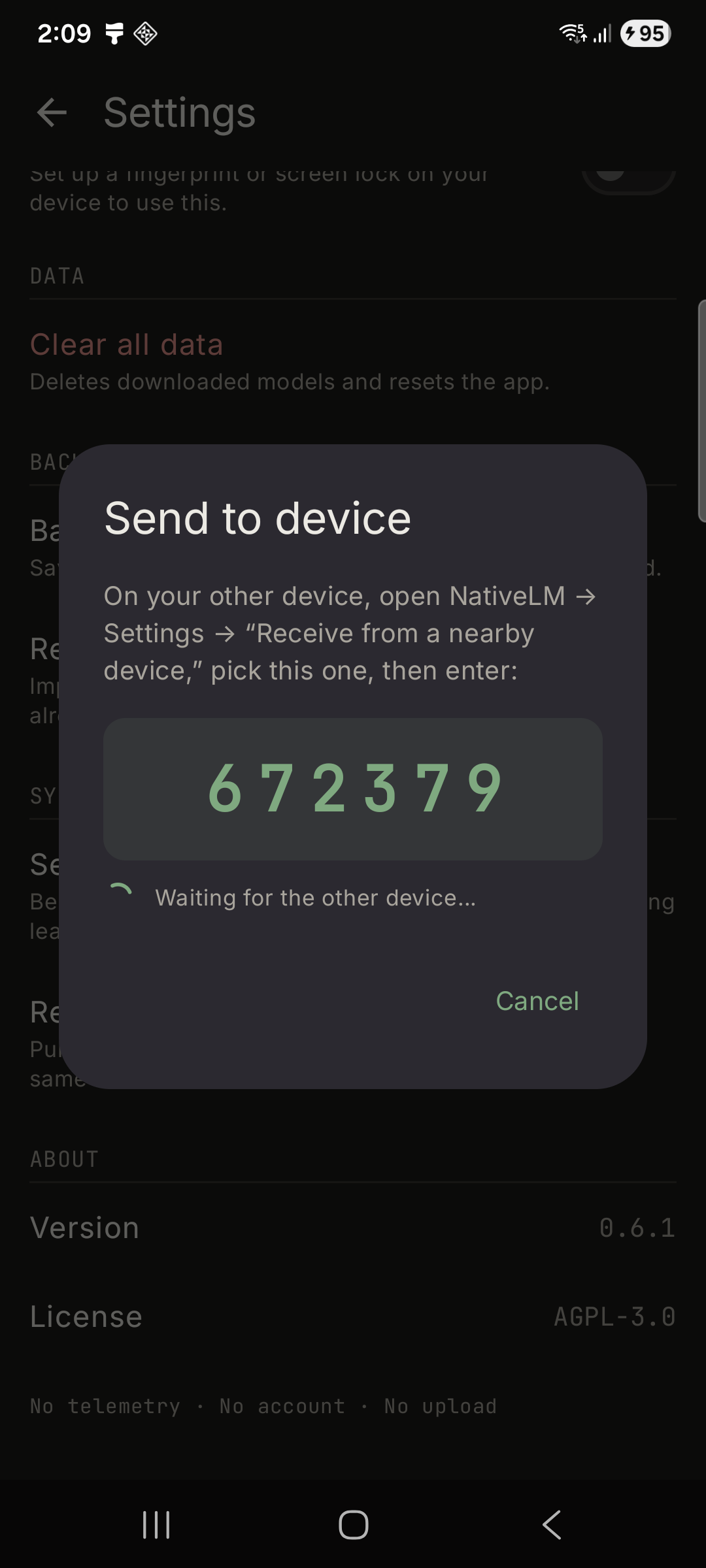
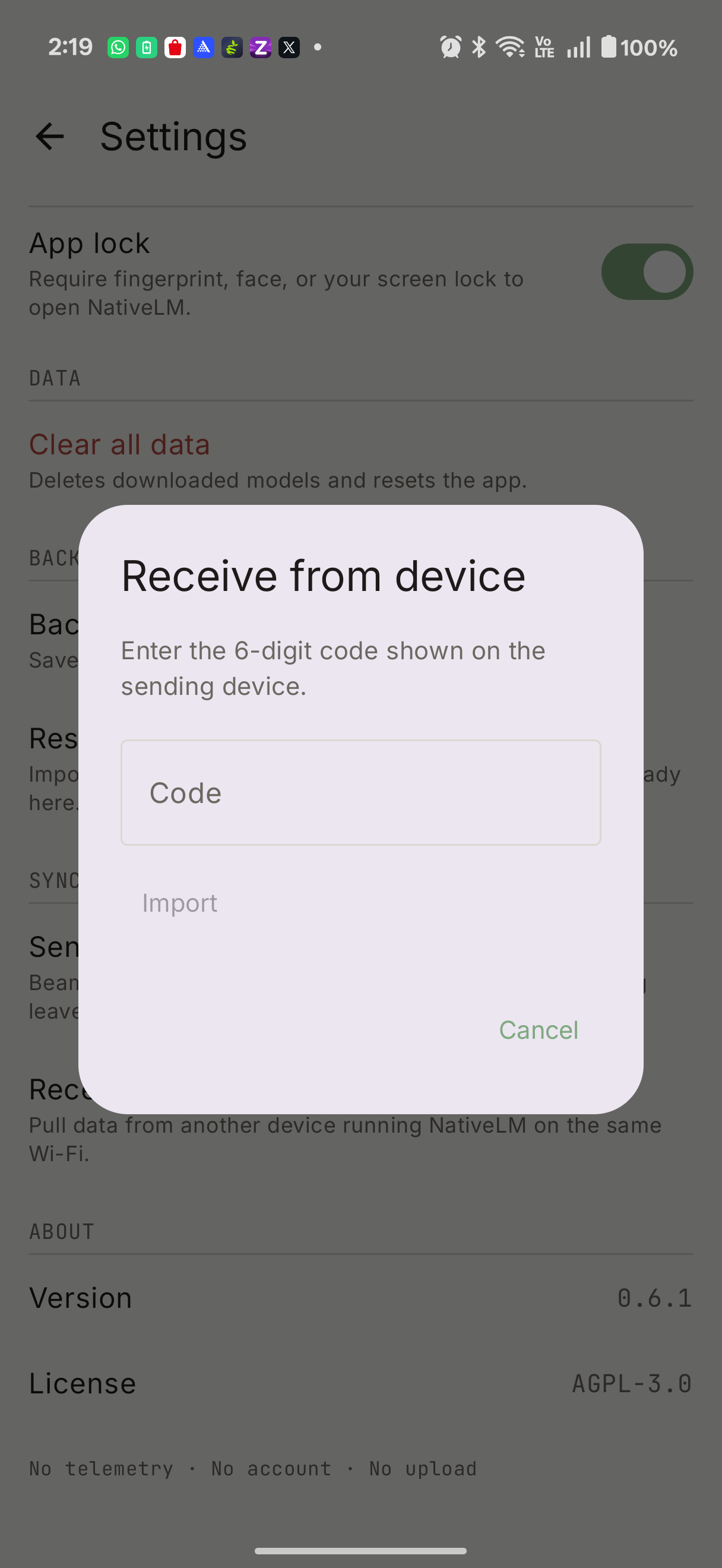
To prevent you from accidentally beaming your knowledge base to the wrong tablet, the sender generates a one-time 6-digit code. The receiver discovers the sender, pulls the encrypted bundle, and then prompts you to type the code. The code acts as both peer authentication and the decryption key derivation material.
War Stories: What broke during development
A clean, happy-path demo is boring. Here are the hurdles we actually hit while building this:
The Launch Crash (Kotlin init-order trap)
We hit an NPE crash on every launch initially. The ViewModel’s init {} block started collecting the syncState flow to refresh the UI. However, viewModelScope dispatches on Main.immediate, meaning the collector ran synchronously during construction, before the syncState property was even assigned further down in the class. We had to move the declaration up.
The Stale SRV Port Bug
This was the headline debugging story. On a clean run, the receiver would discover the sender and resolve it to 192.168.29.28:40597. But when it tried to connect, we got ECONNREFUSED. Meanwhile, the sender timed out waiting.
It turns out that NsdManager.resolveService on OEM mDNS daemons (like ColorOS and OneUI) happily returns a stale SRV port from a previous advertisement. The receiver was dialing a dead port.
The Fix: We stopped trusting the resolved port entirely. We now bind the server socket to a fixed agreed port (47821) with SO_REUSEADDR. Discovery is now used only to find the host IP.
True Privacy means owning the wire
By keeping the wire local and managing our own TCP sockets and mDNS resolution, NativeLM guarantees that your private AI data remains exactly that: private.
NativeLM v0.8 with Local P2P Sync is live now. The entire engine is open-source (AGPL-3.0).
Read next
Built on-device, in the open
NativeLM is a private, local-AI chat app powered by litertlm-kmp. No cloud, no accounts, zero telemetry.
Comments